

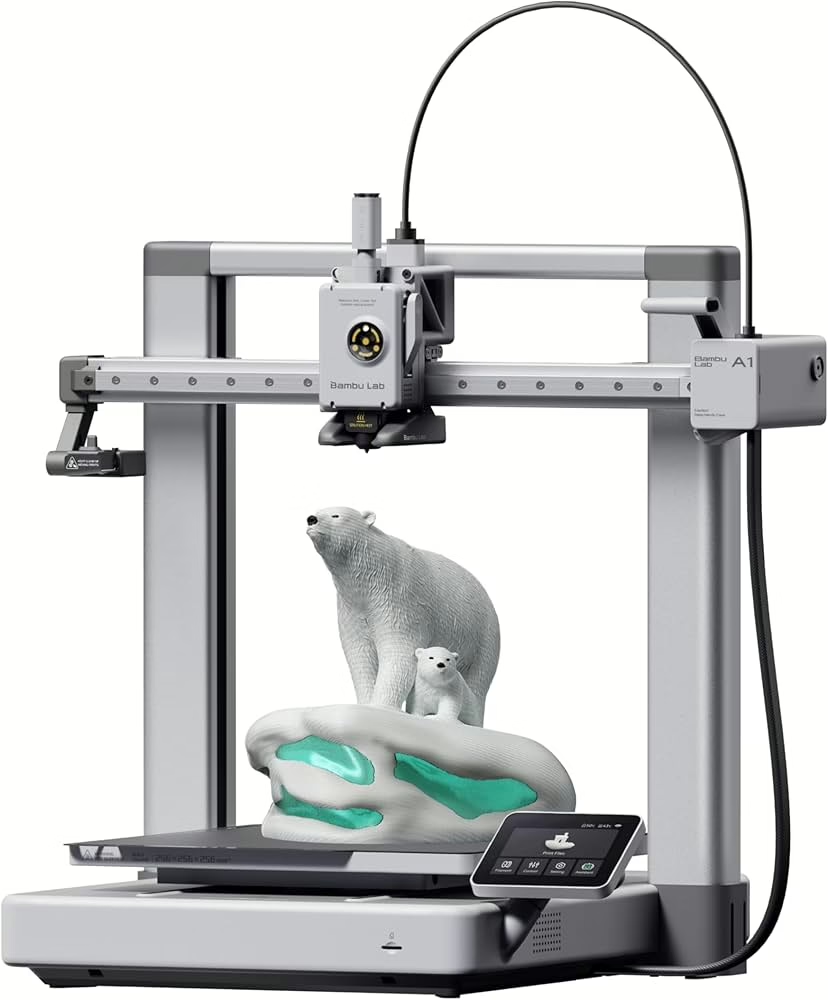
The Bambu Lab A1 is positioned as the beginner-friendly entry into Bambu’s ecosystem — but don’t let that label fool you. This isn’t a stripped-back hobby printer. It’s a genuinely capable machine designed to remove the friction that usually scares newcomers away from 3D printing.
After spending time with it — including printing a handful of miniatures — it’s clear that the A1 isn’t just about ease of use. It’s about making good prints consistently, without turning every project into a troubleshooting session.
Here’s how it actually holds up.
Specs That Actually Matter
Typical Australian configuration highlights:
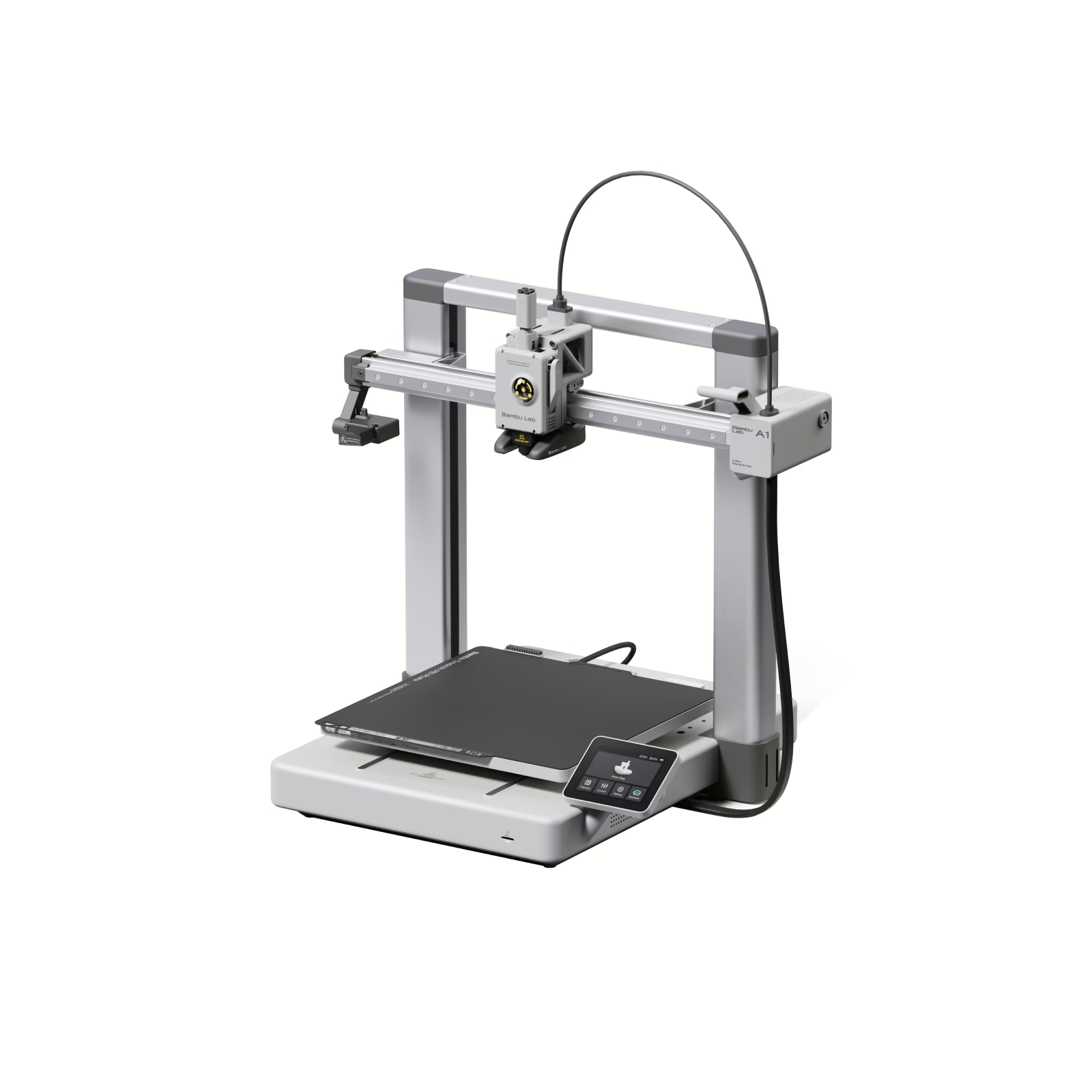
- Fully assembled, plug-and-play setup
- Automatic bed levelling and calibration
- 256 × 256 × 256 mm build volume
- Direct drive extruder
- High-speed CoreXY-inspired motion system
- AMS Lite compatibility for multi-colour printing
- Touchscreen interface
- Wi-Fi connectivity and app control
On paper, the A1 is built to remove complexity. Automatic calibration handles bed levelling and flow tuning without manual tweaking, which is a big deal if you’ve dealt with older-school printers before.
This is clearly designed for users who want to print — not endlessly tinker.
Setup and First Prints
Setup is genuinely straightforward. Out of the box, you’re not building half a printer — you’re getting something that’s mostly assembled and ready to go. Calibration runs automatically, and the touchscreen UI walks you through the basics without confusion.
Within the first session, we were printing without needing to dive into firmware settings or manual levelling. That’s not always the case with printers in this price bracket.
The experience feels modern — closer to setting up a consumer appliance than assembling a hobby kit.
Print Quality and Real-World Use
This is where it matters.
For standard prints — brackets, desk accessories, test models — the A1 produces clean layers and solid adhesion with minimal tuning. PLA profiles work well straight away, and speeds are fast without introducing obvious ringing or layer inconsistencies.
But the real test for us was miniatures.
We printed a few miniatures to see how the A1 handled fine detail, small features, and tight overhangs. The results were genuinely impressive for an FDM printer in this class. Layer lines are still visible (this isn’t resin), but fine details like facial features, armour edges, and weapon shapes held up better than expected.
With a 0.4 mm nozzle and dialled-in settings, the quality was more than good enough for tabletop use — especially if you’re willing to do minor post-processing.
For a beginner-friendly printer, that level of detail is a strong result.
Speed and Noise
The A1 is fast. Print times are noticeably shorter compared to older entry-level printers, and acceleration feels confident without sacrificing stability.
Noise levels are reasonable. It’s not silent, but it’s not obnoxious either. For a home office or studio setup, it’s manageable during long prints.
AMS Lite and Multi-Colour Printing
Paired with the AMS Lite, multi-colour printing becomes simple. The system handles filament switching cleanly, and the software integration makes slicing for multi-colour projects far less intimidating than older workarounds.
For tabletop terrain, branded parts, or decorative pieces, this is a fun addition — though not strictly necessary if you’re just printing functional models.
Software Experience
Bambu Studio remains one of the cleaner slicer experiences available. Profiles are well optimised out of the box, and you don’t feel forced into deep technical adjustments unless you want to go there.
Wi-Fi connectivity and remote monitoring through the app add a modern layer of convenience. You can send prints and check progress without babysitting the machine constantly.
For beginners, this lowers the barrier significantly.
Australian Pricing
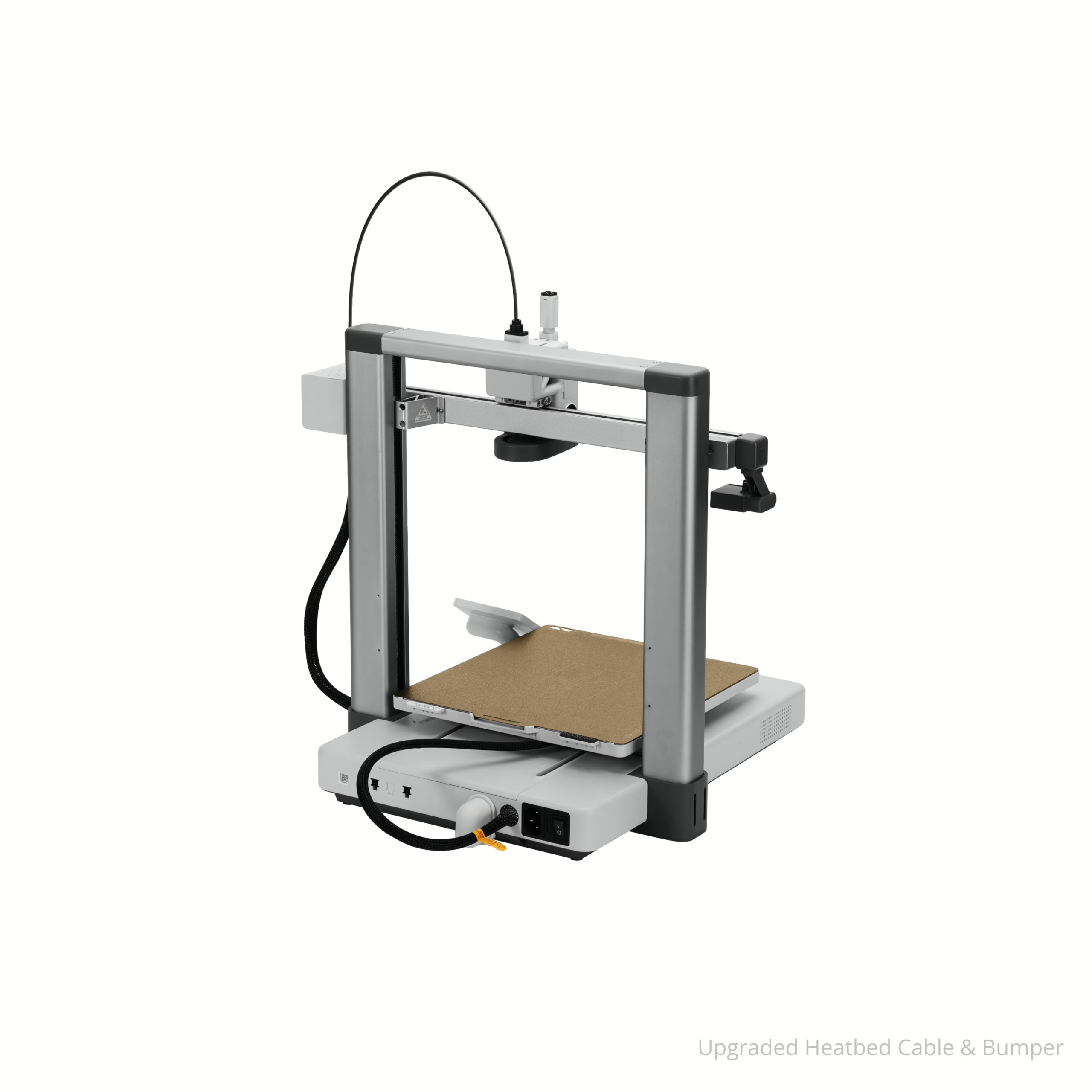
In Australia, the Bambu Lab A1 sits in the mid-range consumer 3D printer category. It’s more expensive than budget entry-level machines, but it’s substantially easier to use and more refined.
If you factor in the time saved on calibration and troubleshooting alone, the price starts to make sense. It’s not the cheapest way to get into 3D printing — but it’s one of the smoothest.
Pros
- Extremely beginner-friendly setup and calibration
- Consistent, clean print quality
- Fast print speeds
- Strong detail for miniatures (for FDM)
- Excellent software ecosystem
Cons
- Not as large a build volume as some competitors
- Multi-colour printing requires AMS Lite add-on
- Still FDM — visible layer lines on fine models
Final Verdict
The Bambu Lab A1 delivers on what it promises: accessible, fast, reliable 3D printing without the usual frustration curve.
For beginners, it’s one of the least intimidating ways to start printing. For more experienced users, it’s a dependable secondary machine that just gets the job done.
Printing miniatures on it was a pleasant surprise — detail held up well enough for tabletop play, and with a bit of tuning you can push it further than expected.
If you’re in Australia and want a 3D printer that prioritises ease of use without sacrificing performance, the A1 is a very strong contender. It doesn’t demand constant tweaking. It just prints — and most of the time, that’s exactly what you want.

