

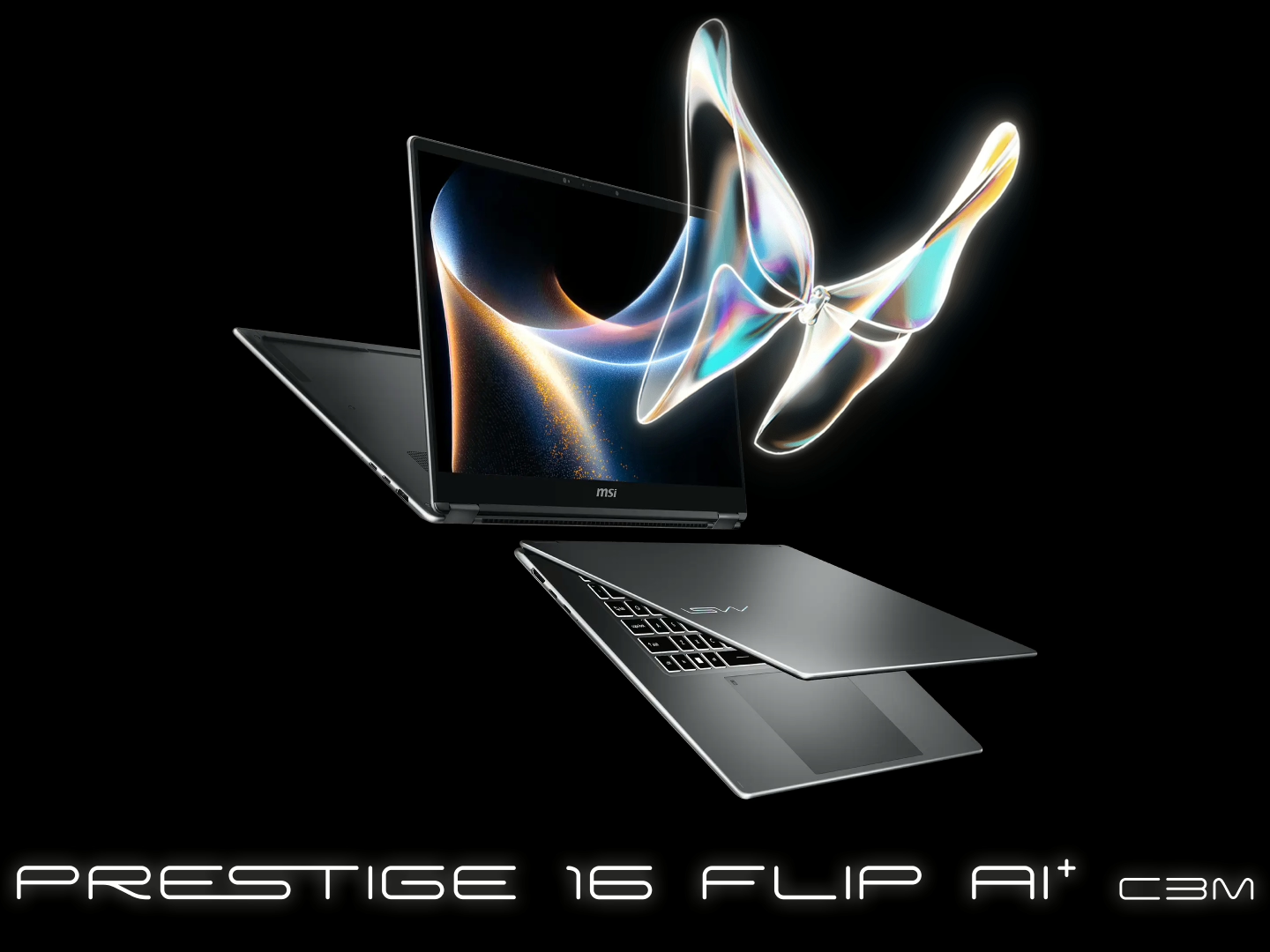
The MSI Prestige series has always aimed at people who want a clean, professional laptop that can still handle serious workloads. The MSI Prestige 16 Flip AI+ sticks to that idea — but adds a flexible 2-in-1 design and some newer AI-focused hardware.
On paper, it’s a powerful productivity and creator machine. In real-world use, it delivers in most areas — but there are a few things worth knowing before you drop serious money on one.
If you’re looking for a laptop that can handle creative work, productivity, and occasional GPU-heavy tasks while still being portable, the Prestige 16 Flip AI+ definitely deserves a closer look.
Let’s break it down properly.
Specs That Actually Matter
Most Australian configurations of the Prestige 16 Flip AI+ look something like this:
- Intel Core Ultra 7 or Ultra 9 processor
- NVIDIA GeForce RTX 4050 / RTX 4060 Laptop GPU
- 16-inch QHD+ (2560×1600) OLED touch display
- 32GB LPDDR5 RAM
- 1TB PCIe Gen4 SSD
This hardware puts the Prestige firmly in high-end productivity territory.
The Intel Core Ultra chips bring a mix of strong CPU performance and dedicated AI acceleration through the NPU. That matters more for certain workloads now — things like AI tools in creative apps or Windows Copilot features.
The integrated graphics arent meant for hardcore gaming laptops levels of power, but it’s plenty capable for:
- Video editing
- 3D workloads
- Photo processing
- GPU-accelerated creative apps
In short: this machine is built to work hard.
Display: OLED Done Right
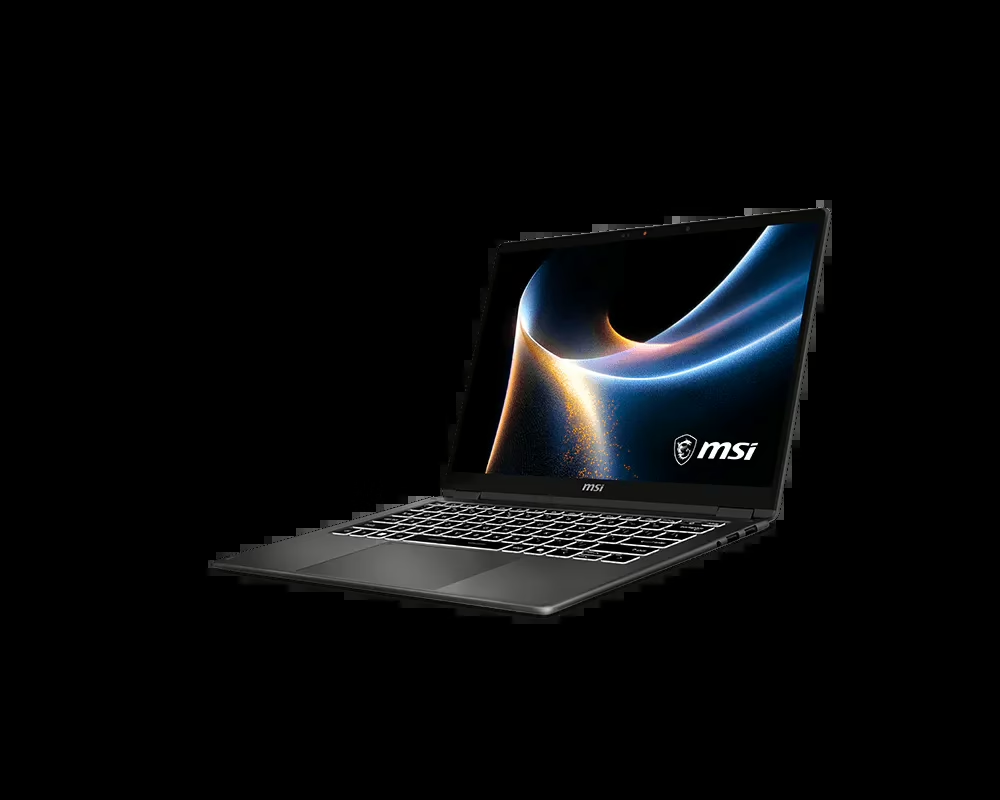
The 16-inch OLED panel is easily one of the highlights of the Prestige 16 Flip AI+.
You’re getting:
- Deep blacks
- Excellent contrast
- Vibrant colours
- Touch support with stylus compatibility
The QHD+ resolution is a nice sweet spot for a 16-inch display. It’s sharp without putting unnecessary strain on the GPU.
For creative work — especially photo editing, design, or video — the colour accuracy and contrast are a genuine advantage.
And for everyday use? Everything just looks good.
Text is crisp, colours pop, and darker content doesn’t turn into that washed-out grey you get on cheaper IPS panels.
This is absolutely one of those screens where you notice the upgrade immediately.
Performance
In day-to-day use, the Prestige 16 Flip AI+ feels fast and responsive.
Heavy multitasking is easy with 32GB of RAM, and the PCIe Gen4 SSD keeps things loading quickly.
Creative workloads are where the system really shows its strengths:
- Premiere Pro timelines stay smooth
- Photoshop handles large files easily
- Light 3D rendering is very manageable
It’s not designed as a gaming machine, but if you do want to play something after work, it’s capable of running modern titles at medium to high settings without much trouble.
This is very much a creator-first laptop that can game if needed.
2-in-1 Design: Actually Useful
The “Flip” in the name isn’t just marketing.
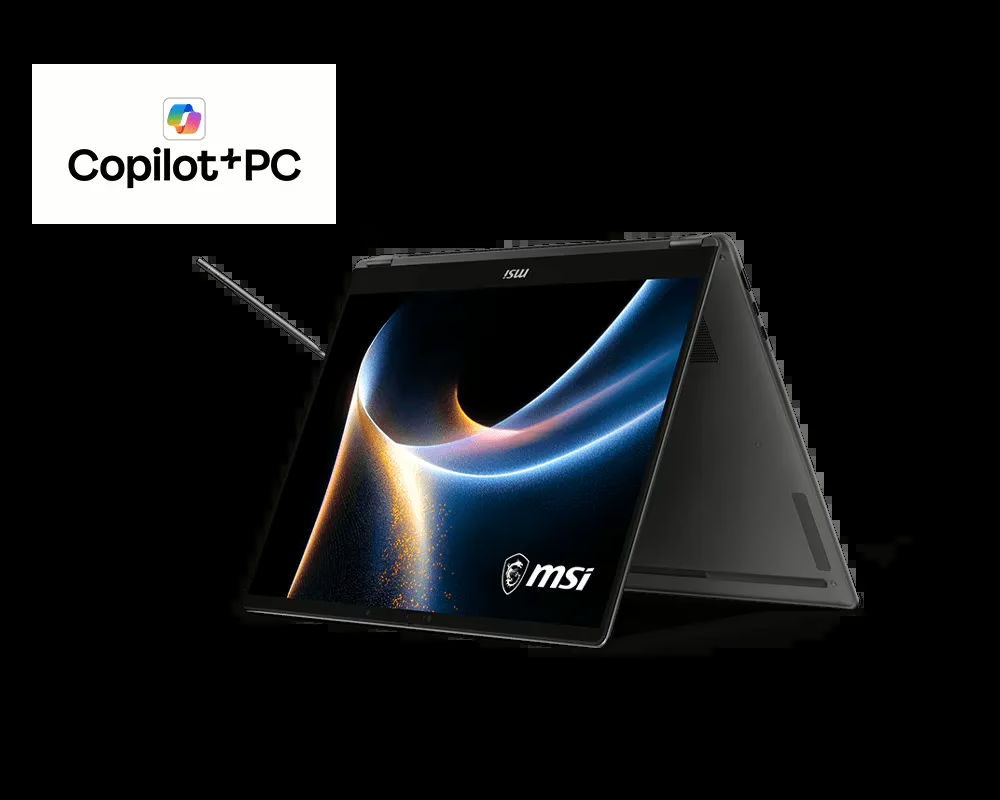
The 360-degree hinge lets the laptop move between:
- Standard laptop mode
- Tablet mode
- Tent mode
- Presentation mode
For creators, the stylus support makes a big difference.
If you’re sketching ideas, annotating documents, or doing design work, the tablet mode becomes genuinely useful — not just a gimmick.
The hinge itself feels solid, which is important for a device that’s constantly moving between modes.
Thermals and Noise
This is still a powerful laptop in a fairly slim chassis, so heat management matters.
Under normal productivity work — browsing, writing, editing documents — the system stays quiet.
Once you start pushing the CPU and GPU with creative workloads, the fans do ramp up.
It’s not obnoxiously loud, but you’ll hear them.
Thermals stay under control though, which is the important part. The laptop doesn’t feel like it’s constantly fighting its own cooling system.
It’s a well-balanced thermal setup for this class of device.
Design and Build
MSI went with a clean, professional design here.
No flashy gaming accents. No unnecessary RGB.
Just a sleek, modern aluminium chassis that looks comfortable in both a studio or office environment.
Build quality is strong:
- Solid metal construction
- Minimal keyboard flex
- Smooth hinge movement
- Slim profile for a 16-inch laptop
The keyboard is comfortable for longer typing sessions, and the trackpad is large and responsive.
Port selection is also decent for a thin laptop, with Thunderbolt, USB-A, HDMI, and a microSD slot covering most common needs.
Battery Life (Better Than Most Performance Laptops)
For a 16-inch OLED laptop with a dedicated GPU, battery life is actually pretty respectable.
With lighter workloads like:
- Browsing
- Writing
- Streaming
- Office apps
You can realistically get most of a workday out of it.
Once the GPU starts working harder — rendering, exporting video, or gaming — the battery drains faster.
That’s normal for this type of machine.
But compared to many creator laptops, the Prestige 16 Flip AI+ holds up surprisingly well.
Australian Pricing
In Australia, pricing typically lands around $3,200–$3,800 AUD depending on the CPU and GPU configuration.
That puts it directly against other premium creator laptops like the Dell XPS 16 or ASUS ProArt series.
It’s definitely a premium price bracket — but the combination of OLED display, strong CPU/GPU performance, and a flexible 2-in-1 design helps justify it.
Pros
Excellent OLED display
Strong creator performance
Versatile 2-in-1 design
Solid build quality
Good battery life for the class
Cons
Fans ramp up under heavy workloads
Not designed as a dedicated gaming machine
Premium pricing
Final Verdict
The MSI Prestige 16 Flip AI+ is a powerful and flexible creator laptop that balances performance, portability, and versatility extremely well.
The OLED display is excellent, the CPU and GPU combination handles demanding workloads comfortably, and the 2-in-1 design actually adds real usability for creative tasks.
It’s not the quietest machine under heavy load, and it’s certainly not cheap.
But if you want a premium productivity and creator laptop that can adapt to multiple workflows, the Prestige 16 Flip AI+ is a very strong option.
If you need a machine that can handle editing, design, multitasking, and occasional GPU-heavy work while still being portable, this one absolutely deserves a spot on the shortlist.
Check it out Here

